
LMS Replacement Isn’t About Features, It’s About Architecture
Updated November 13, 2026
When organizations begin evaluating a learning management system (LMS) replacement, the conversation often starts with features.
Better dashboards. A modern interface. Artificial intelligence capabilities. Automated workflows. More engaging learning experiences.
These capabilities matter, but for government agencies and regulated enterprises, LMS architecture is often just as important as the features users see.
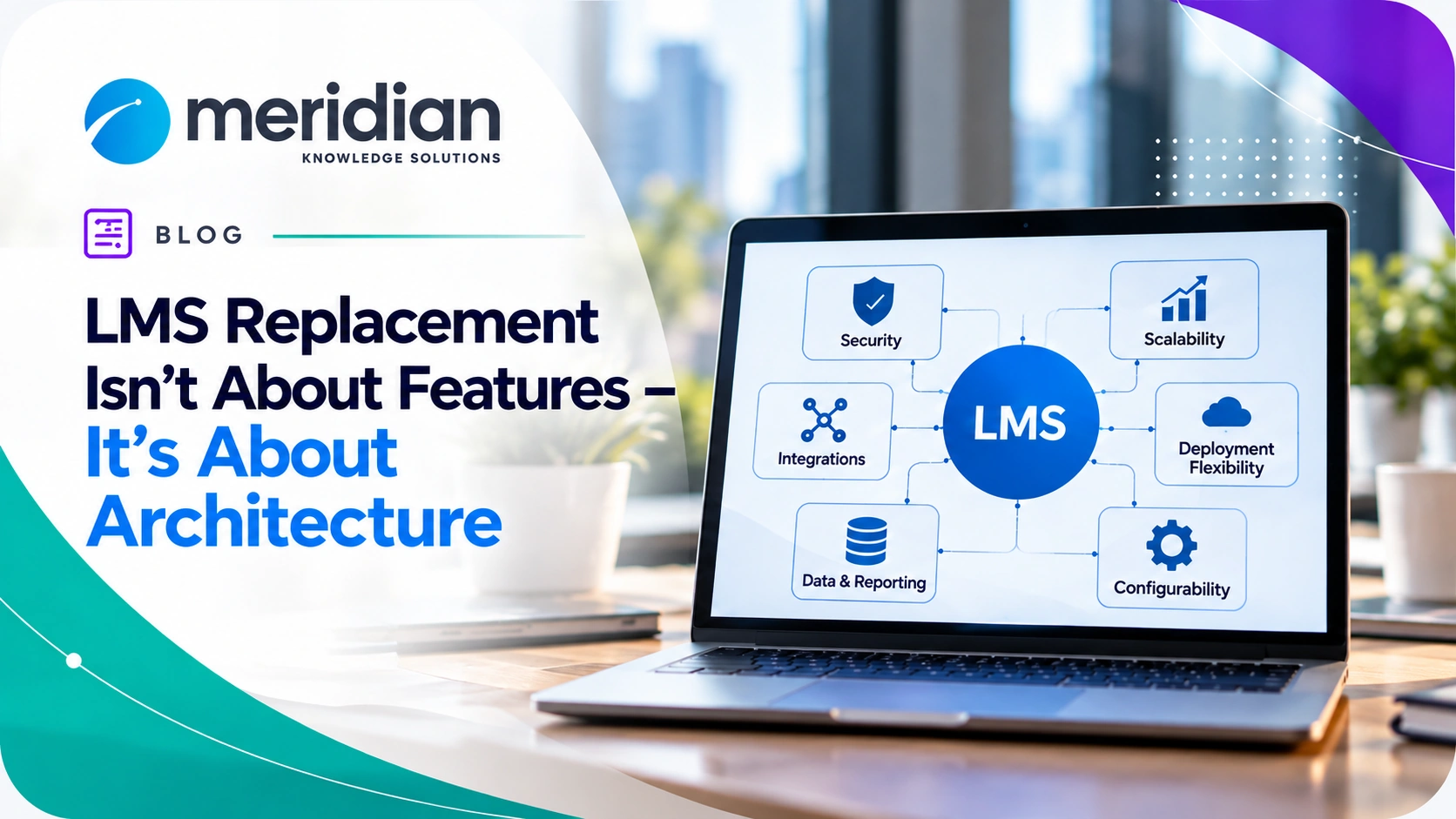
Architecture determines how a platform manages security, access controls, integrations, training records, reporting, and long-term scalability. Selecting a replacement LMS without evaluating these underlying capabilities can leave organizations facing many of the same operational challenges they intended to solve.
A successful LMS replacement requires looking beyond the feature checklist to understand whether the new platform can support the organization’s technical, compliance, and operational requirements for years to come.
Why Do Feature-Driven LMS Replacements Fall Short?
A feature-driven LMS replacement focuses primarily on what a platform can do today rather than how effectively it can support changing organizational needs.
Modern interfaces and new functionality can improve the learning experience. However, they do not automatically resolve underlying technology limitations.
Organizations that prioritize features without evaluating architecture may encounter:
- Reporting limitations that continue to require manual workarounds
- Inadequate access controls for complex organizational structures
- Difficulty integrating with HR, identity management, and enterprise systems
- Limited flexibility when compliance requirements change
- Challenges maintaining historical training records
- Unexpected restrictions on deployment or configuration
For example, an organization might select a new LMS because it offers attractive compliance dashboards. After implementation, administrators may discover that the platform cannot reproduce historical completion records in the format required for an audit.
The dashboard looks better, but the underlying reporting problem remains.
This is why an effective LMS replacement should evaluate both the capabilities users need and the architecture required to support them.
What Is LMS Architecture, and Why Does It Matter?
LMS architecture refers to the underlying technical structure of a learning management system, including how its components manage data, security, integrations, permissions, deployment, and system performance.
While features determine the functionality available to learners and administrators, architecture influences how reliably those features operate and how easily the platform can adapt to new requirements.
For regulated organizations, five architectural considerations deserve particular attention.
1. Security and Access Control
Government agencies and enterprises often manage sensitive workforce information, training records, and compliance documentation.
An LMS should support appropriate access controls so employees, supervisors, administrators, and external learners can access only the information and functionality relevant to their responsibilities.
Important capabilities include role-based permissions, authentication controls, audit logging, and clearly defined administrative privileges.
The National Institute of Standards and Technology addresses principles such as least privilege, access enforcement, and audit accountability in its SP 800-53 security and privacy controls framework.
When evaluating LMS security and compliance capabilities, organizations should determine whether the platform enforces access requirements through controls rather than relying primarily on manual administrative procedures.
2. Reporting and Historical Recordkeeping
Compliance reporting is more complex than displaying current course completion percentages.
Government agencies and regulated enterprises may need to document who completed required training, when it occurred, which requirements applied, and whether certifications remained valid during a particular reporting period.
An LMS with limited historical reporting capabilities may create challenges during audits, compliance reviews, or internal investigations.
Organizations should evaluate whether a replacement platform supports:
- Historical training completion records
- Certification and renewal tracking
- Role- or department-specific compliance reports
- Appropriate record retention
- Audit trails for relevant administrative activities
- Configurable reporting and data exports
Reliable LMS reporting and analytics can reduce manual reconciliation and improve leadership visibility into training programs.
However, buyers should request demonstrations using realistic historical reporting scenarios rather than assuming that standard dashboards will satisfy their requirements.
3. Integration With Enterprise Systems
An LMS rarely operates independently.
Government and enterprise learning programs frequently depend on information from human resources systems, identity providers, workforce management platforms, and other business applications.
When these systems cannot exchange information effectively, administrators may need to manage learner records and training assignments manually.
During an LMS replacement, organizations should examine the platform’s integration architecture, including support for APIs, single sign-on (SSO), automated user provisioning, and relevant learning technology standards.
An effective evaluation should also consider how integrations handle errors, source-data changes, and ongoing maintenance.
Understanding an LMS’s integration capabilities before implementation helps organizations identify potential technical challenges and avoid unnecessary manual processes.
4. Deployment and Infrastructure Flexibility
Different organizations have different hosting, security, and infrastructure requirements.
Some may prefer a shared cloud environment, while others require dedicated infrastructure or self-hosted deployments because of internal security policies, operational considerations, or contractual obligations.
Cloud hosting and multi-tenant architecture are not interchangeable concepts. Organizations should evaluate each separately.
Important questions include where data is stored, who manages infrastructure, how updates are delivered, and what options exist for organizations with specialized security requirements.
Evaluating LMS deployment options early in the selection process can help prevent conflicts between technology requirements and available hosting models.
5. Scalability and Organizational Governance
An LMS should support organizational growth without requiring extensive administrative workarounds.
A government agency might need to accommodate additional departments, regional offices, or external partners. A commercial enterprise may expand into new markets or introduce additional compliance programs.
Architecture affects how effectively a platform can support these changes.
Organizations should consider whether the LMS provides delegated administration, configurable workflows, distinct learner populations, and reporting structures that accommodate organizational complexity.
The goal is to support growth while maintaining appropriate security, oversight, and administrative efficiency.
Why Is LMS Architecture Especially Important for Regulated Organizations?
Regulated organizations face requirements that extend beyond course delivery and learner engagement.
Training records may need to support compliance reviews, security assessments, workforce qualifications, and mandatory reporting obligations.
These responsibilities can become more challenging when an LMS cannot adapt to changing requirements or integrate with enterprise governance processes.
For example, a federal agency evaluating a replacement LMS may need to consider security authorization requirements, identity management, records retention, and reporting expectations.
A state government may need to support multiple agencies with different training programs while maintaining consistent oversight.
A regulated enterprise may need to manage recurring employee certifications, operational safety requirements, and documentation across multiple business units.
In each situation, architecture influences how effectively the LMS supports those obligations.
However, no particular architectural model automatically guarantees compliance. Organizations must evaluate the platform’s configuration, security controls, operating procedures, and applicable regulatory requirements.
What Are the Warning Signs That Legacy LMS Architecture Needs Replacement?
Not every LMS limitation requires replacing the entire platform.
Some challenges can be addressed through configuration changes, additional training, improved integrations, or existing functionality that has not been fully implemented.
However, recurring structural problems may indicate that the current LMS can no longer support organizational needs.
Common warning signs include:
- Persistent reporting gaps: Administrators regularly export and reconcile data to answer basic compliance questions.
- Limited access control: The system cannot adequately separate administrative responsibilities or learner populations.
- Integration challenges: Connecting the LMS to required enterprise systems demands costly custom workarounds.
- Inflexible workflows: Changes to training requirements require extensive manual intervention.
- Historical data limitations: The platform cannot reliably retrieve the training records needed for audits or reporting.
- Restricted deployment options: Available hosting models conflict with organizational security or infrastructure requirements.
- Growing administrative overhead: Supporting additional departments or programs requires disproportionate effort.
The distinction is whether these problems result from correctable configuration issues or limitations in the platform’s underlying design.
Before committing to replacement, organizations should document the source and impact of each issue.
How Should Organizations Evaluate LMS Architecture Before Replacing a System?
An architecture-first LMS evaluation should involve more than reviewing vendor documentation or attending a standard product demonstration.
IT, information security, procurement, training, and compliance stakeholders should help identify the requirements that matter most.
The following questions can help structure the evaluation.
| Evaluation area | Questions to ask LMS vendors |
|---|---|
| Security | How are user permissions enforced? What authentication and logging capabilities are available? |
| Reporting | Can the system reproduce historical training and certification records? |
| Integrations | How does the LMS connect with HRIS, SSO, and other enterprise platforms? |
| Deployment | What cloud, dedicated, or self-hosted deployment options are available? |
| Governance | Can administrators manage different departments without inappropriate access to other groups? |
| Configuration | Can workflows and training requirements be adjusted without extensive custom development? |
| Scalability | How does the platform accommodate additional users, departments, and learning programs? |
| Data migration | How are historical records transferred, validated, and made accessible? |
| Maintenance | How are security updates, integrations, and configuration changes managed over time? |
Organizations should request demonstrations that reflect their actual operating environment.
For example, instead of asking whether a vendor supports compliance reporting, ask the vendor to show how an administrator would retrieve training completion information for a specific department from a previous reporting period.
Practical scenarios reveal architectural limitations that may not appear in a feature comparison.
How Does LMS Architecture Affect Data Migration?
Data migration is one of the most important considerations during an LMS replacement, particularly for organizations with extensive compliance histories.
Moving learner accounts and course catalogs is only part of the process.
Organizations may also need to preserve:
- Historical course completions
- Certifications and expiration dates
- Training assignments
- Learning paths and prerequisites
- Instructor-led training records
- Organizational and reporting relationships
- Relevant audit documentation
The replacement platform must support the structure, accessibility, and reporting needs associated with this information.
Organizations should identify data retention requirements, determine which records must be migrated, and establish validation procedures before transitioning systems.
A migration plan should also address how historical information will remain accessible if some records are archived rather than imported into the new LMS.
Working through these questions with an LMS implementation team can help organizations identify technical dependencies and establish realistic migration expectations.
Should Organizations Prioritize LMS Architecture Over Features?
Architecture and features should not be treated as competing priorities.
A secure, scalable platform that administrators find difficult to use may create adoption challenges. Likewise, a highly engaging platform may be unsuitable if its architecture cannot support essential security or operational requirements.
The strongest LMS evaluations consider both.
For regulated organizations, a useful approach is to establish mandatory architectural requirements before comparing optional functionality.
Evaluate security, integration, reporting, data management, and deployment requirements alongside learner experience, content management, automation, and other capabilities.
This ensures that attractive features do not overshadow requirements critical to long-term success.
How Meridian LMS Supports Architecture-Focused Modernization
Meridian LMS is designed for government agencies and enterprises with complex training, compliance, and workforce development requirements.
The platform offers configurable workflows, role-based access controls, reporting capabilities, enterprise integrations, and multiple deployment options.
Organizations can evaluate Meridian Cloud, self-hosted deployment, and Meridian’s FedRAMP 20x Class C Certified government cloud solution based on their security and operational needs.
Meridian also provides implementation and data migration services to help organizations transition from existing learning platforms.
To explore these capabilities, visit the Meridian LMS product overview.
Frequently Asked Questions About LMS Replacement and Architecture
What is the most important factor when replacing an LMS?
The most important factor is whether the replacement LMS meets the organization’s functional, technical, security, and operational requirements. For regulated organizations, architecture matters because it affects access control, compliance reporting, integrations, and scalability.
What is the difference between LMS features and LMS architecture?
LMS features are the functions available to users, such as dashboards, course assignments, and certifications. LMS architecture is the underlying structure that manages data, security, integrations, deployment, and system performance.
How do you know when a legacy LMS needs replacing?
A legacy LMS may need replacement when recurring limitations in security, reporting, integrations, scalability, or configuration prevent the organization from meeting essential requirements. An assessment should determine whether these issues can be corrected before committing to a replacement.
Why is historical training data important during LMS migration?
Historical records help organizations demonstrate previous training completion, verify certifications, and support applicable audit or retention requirements. Organizations should establish how these records will be migrated, validated, retained, or archived during an LMS transition.
Can a modern LMS still have architectural limitations?
Yes. A modern interface or recently introduced features do not necessarily indicate that a platform supports complex access controls, historical reporting, enterprise integrations, or specialized deployment requirements.
Does a cloud-based LMS automatically meet government security requirements?
No. Cloud hosting alone does not establish compliance with government security requirements. Agencies must evaluate the specific deployment, applicable authorization status, implemented security controls, and their own agency responsibilities.
Final Takeaway: A Successful LMS Replacement Starts Beneath the Surface
Replacing an LMS is an opportunity to address more than outdated functionality.
For government agencies and regulated enterprises, the decision can affect security, compliance readiness, administrative efficiency, and long-term technology flexibility.
A thoughtful evaluation should consider how a platform manages information, enforces access controls, supports reporting, integrates with enterprise systems, and accommodates future requirements.
Features shape the learner and administrator experience. Architecture helps determine whether the platform can reliably support that experience over time.
The goal of LMS replacement should not simply be to acquire a newer system. It should be to select a platform that addresses current limitations and supports the organization’s future needs.